
Reply to Steve
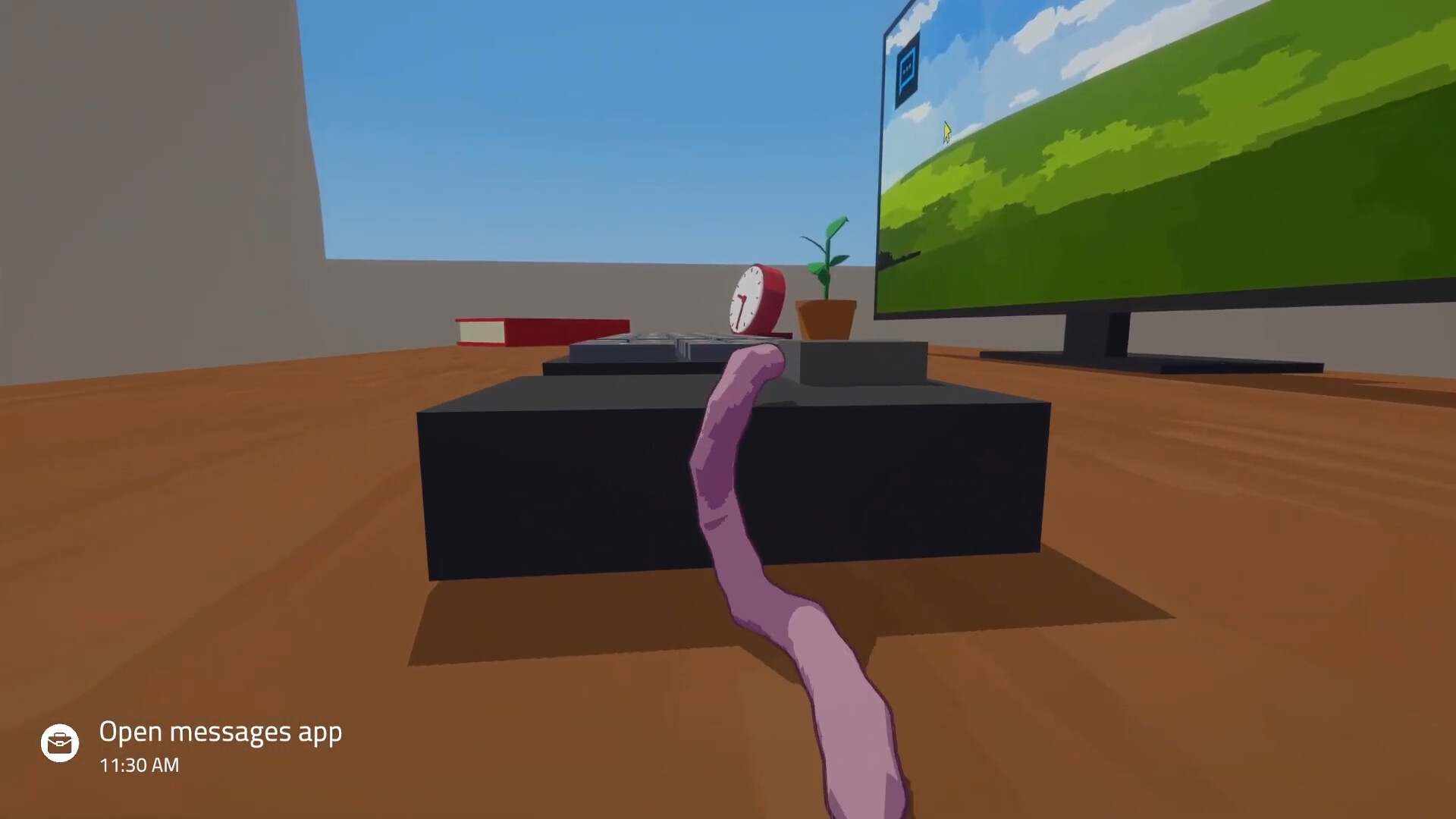
A calendar task to respond to Steve sends you to the Messages app, not necessarily back to the telephone.
- Open the Messages app on the computer.
- Select Steve’s conversation.
- Click a suggested response or select it with the arrow keys.
- Physically type the response on the desk keyboard.
- Complete the send action shown in the game, then check the conversation and calendar.
Selecting a suggestion does not type the message for you. In the demo, the player selects a short reply and still has to spell it out. Check for extra spaces or letters if your worm struck adjacent keys.
Follow the objective, not just your cash balance
Money helps pay for required upgrades, but a high balance is not a substitute for completing named tasks.
| Current blocker | What to check |
|---|---|
| Reply objective remains | Did you type and send the response after selecting it? |
| Skill objective remains | Did you use the training item and gain a level? |
| Investment objective remains | Did you buy shares after unlocking the app? |
| Work objective remains | Did you finish the requested file or action? |
| Required purchase is unaffordable | Is your money in stocks rather than cash? |
Finish tasks with deadlines before extra training or desk activities. See the calendar guide if you are unsure which entries are urgent.
What comes after the opening tasks?
A September 4 full-game review describes later requests to print and sign contracts and take part in a video interview. That gives a rough sense of the career arc, but it does not tell you every prerequisite or which interview responses lead to which outcome.
When your save reaches a new task, use its on-screen instructions. The early demo route cannot substitute for a complete full-game walkthrough.
If you miss a task or choose a bad reply
This guide cannot establish a permanent promotion lockout from a single message or missed objective. Re-read the current calendar and Steve’s conversation to see what your save asks for next. Do not restart solely because an early choice felt awkward.
Before you leave the desk
- Finish the earliest blue deadline first.
- Check whether Steve wants a message, phone interaction or another work action.
- Keep cash for any named purchase.
- Use training items when the objective asks for a skill level.
- Leave time to sleep before tomorrow’s work.
Demo walkthrough: Messages tutorial. Later career overview: The Wand Report’s full-game review.