
Little worm.
Big to-do list.
Spreadsheets. Deadlines. A keyboard bigger than you. A little help for the wonderfully awkward business of working from home.
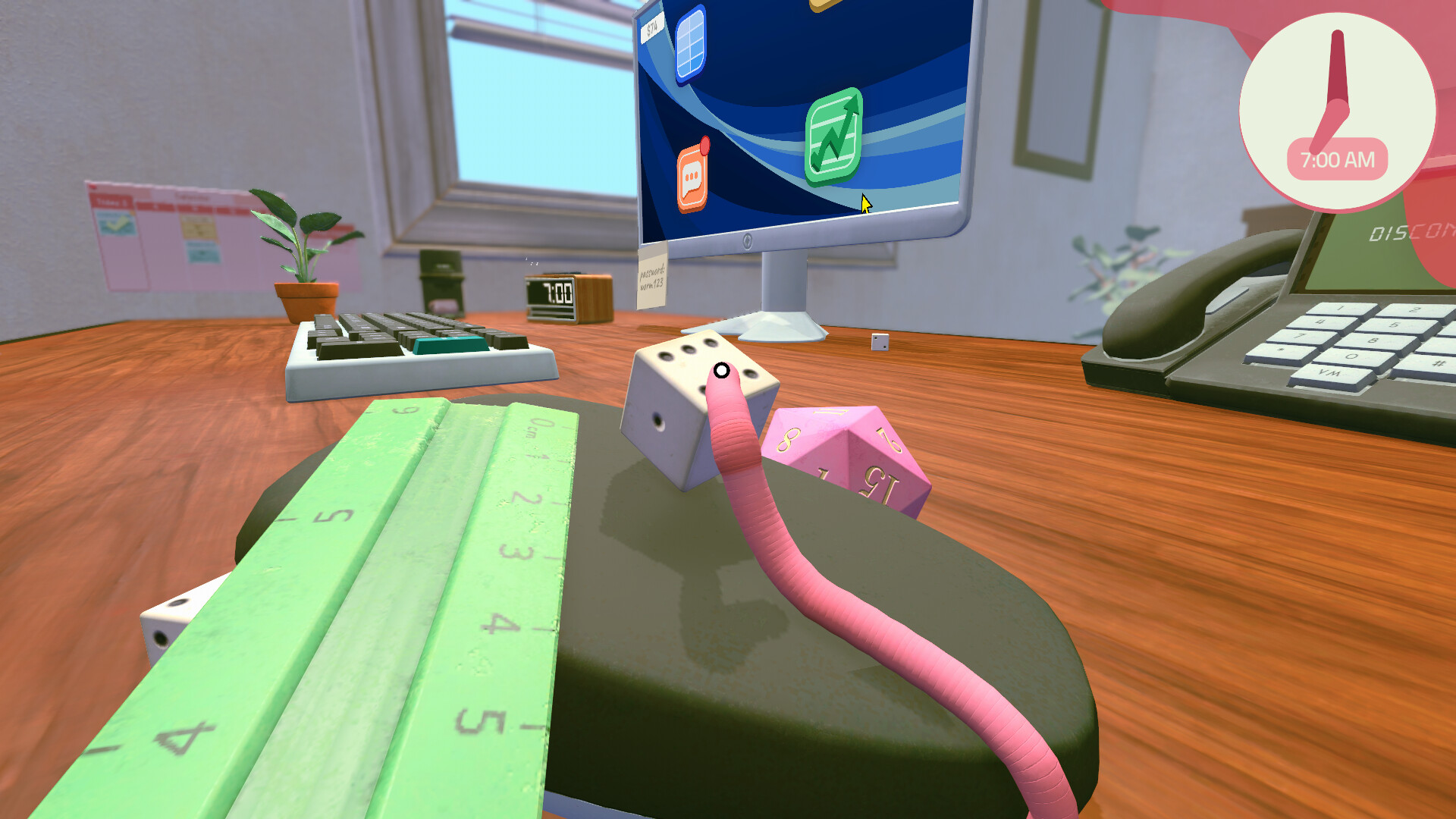 A WORM'S-EYE VIEW
What’s holding up your day?
A shortcut to the thing
you’re stuck on.
Two keys. One worm.
Let a die hold Ctrl while you do the typing.
Spreadsheet shortcutsMake that perk count.
Choose a first unlock that fits your workday.
Your first perkThe clock is ticking.
Find your deadline. Leave time for the trip home.
Calendar & tasksSteve is waiting.
Pick your response and get the message sent.
Messages & careerGood work starts here.
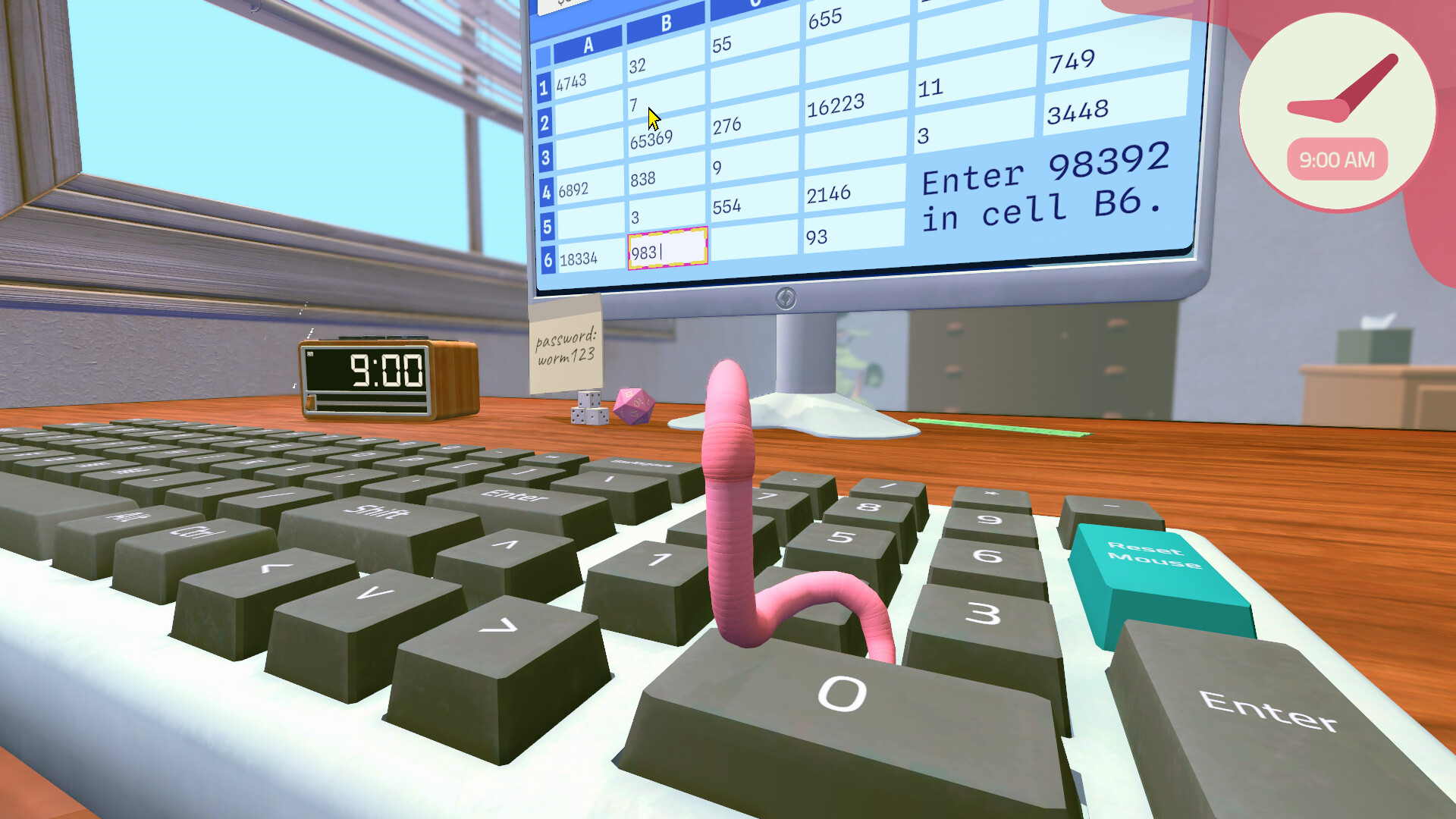
Spreadsheets & Ctrl shortcuts
Enter calculated values, use a die to hold Ctrl, bold or italicize cells, copy and paste, and fix incomplete tasks.
Open guideSkills & early perks
Use training items to earn skill levels, choose an early Junior perk and understand the Senior tree tutorial.
Open guide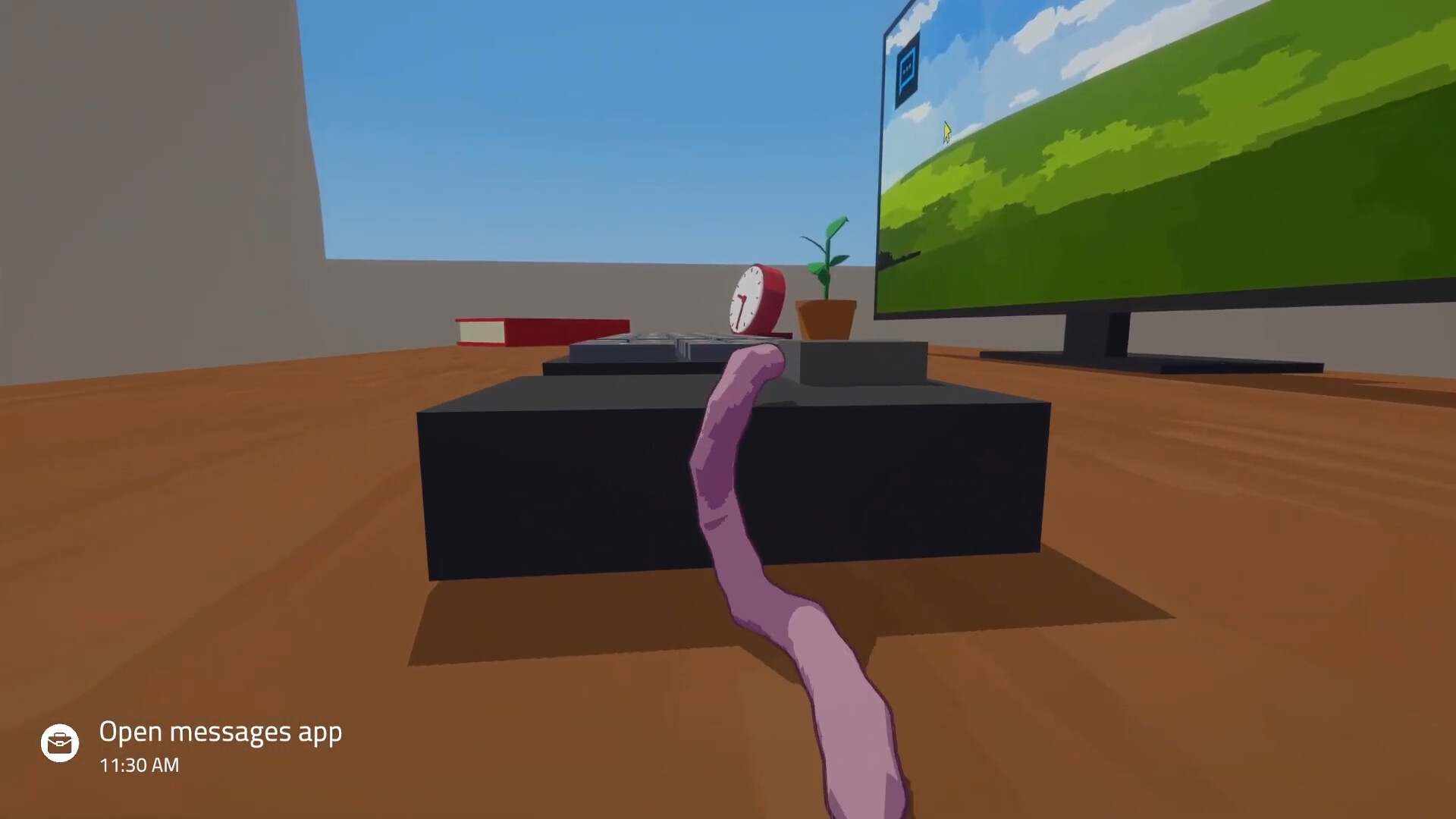
Steve's tasks & promotion
Reply to Steve, check unfinished objectives and follow the opening career tasks, with a brief look at the later interview.
Open guide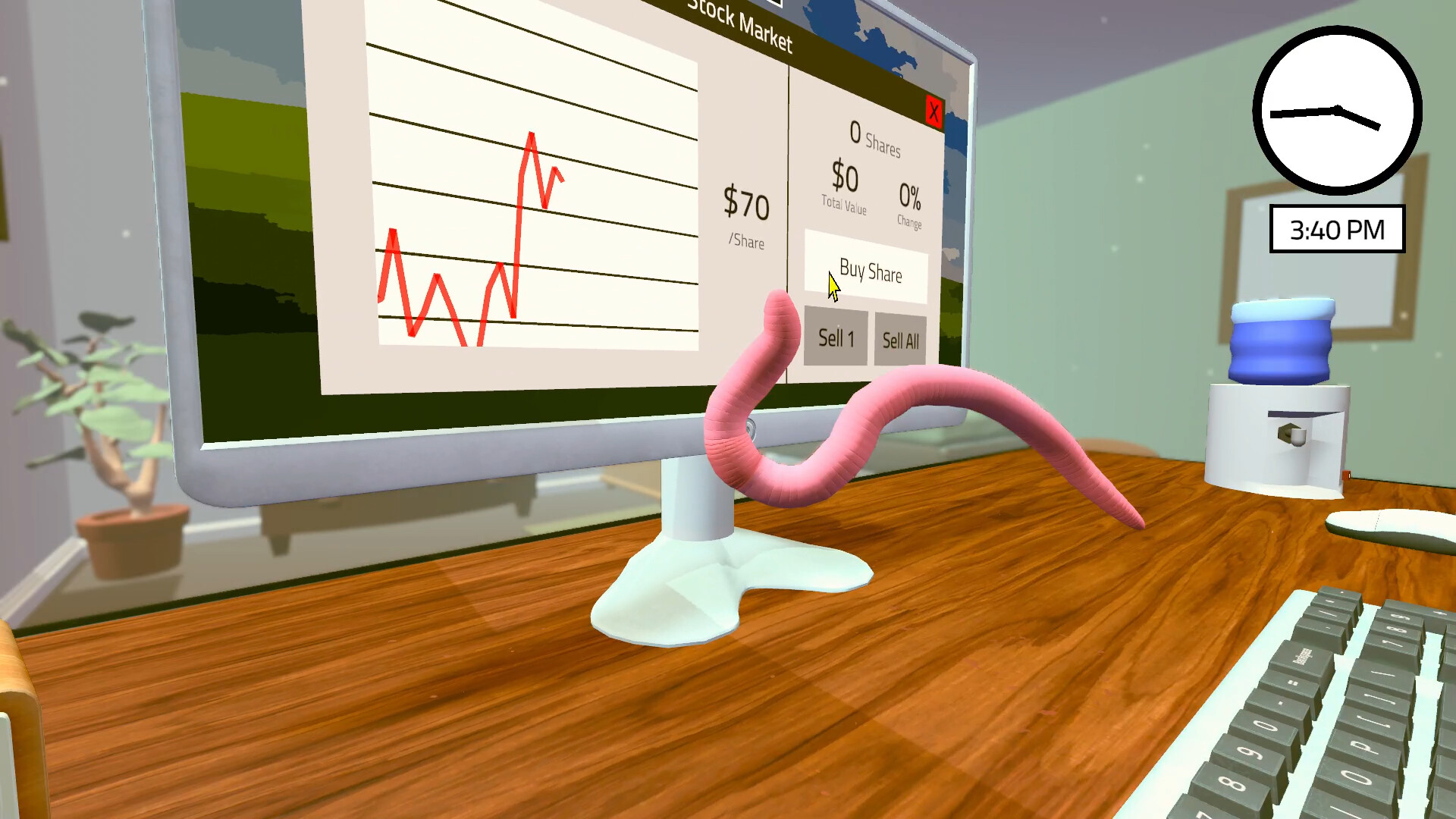
Unlock, buy & sell stocks
Unlock the demo market, read your position and sell shares to turn stock value into cash for a required upgrade.
Open guide
Upgrades, training & hats
Prioritize training and work upgrades, understand the Reading Nook and L-Desk, and get started with the phone activity.
Open guideDeadlines, tasks & sleep
Read blue deadlines and orange events, troubleshoot unfinished tasks and plan sleep around tomorrow's work.
Open guideEven worms need
a little downtime.
Clear the important tasks, check tomorrow’s deadlines, and make it back to the pot. Your next workday starts tonight.
Plan your eveningThese guides cover the early-game demo. Playing the full game? Follow your in-game prompts when a task or unlock differs.
About the guides ↗