
A route through the first objectives
This route follows the demo’s opening. Use the deadlines shown in your own calendar rather than a fixed day-by-day schedule.
| Next objective | What to do | Where to go if stuck |
|---|---|---|
| Log in | Move across the keyboard and enter the on-screen password | Controls |
| Answer Steve | Reach the phone and use its interaction prompt | Career tasks |
| Fill a spreadsheet | Open the app, select the target cell and enter the requested result | Spreadsheet steps |
| Buy the Reading Nook | Leave the work app and open the shop | Shop priorities |
| Level a skill | Use the purchased training item; buying it alone is not the level-up | Skills and perks |
| Invest | Unlock the stock market, then buy shares through its app | Stocks |
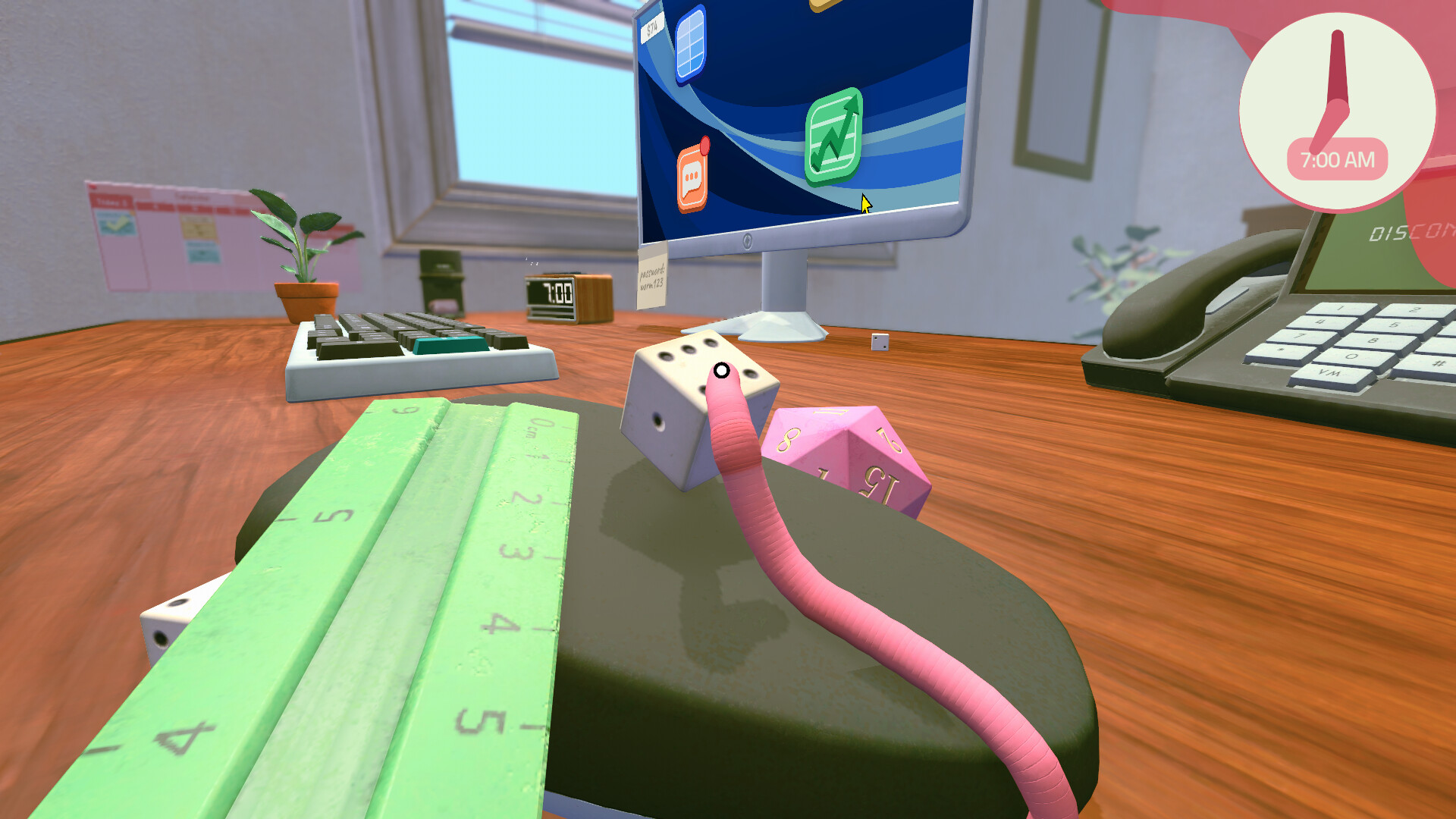
Give deadlines the first part of your day
Blue calendar entries have deadlines in the demo. Orange entries are events, and undated Action Items can wait behind work that is due. Check the exact due time before starting a long detour.
A useful morning order is: calendar, required messages or work, required purchase, then training or optional activities. If a mouse reset gets the cursor back within reach, use it before spending more time wrestling the mouse around the desk.
Learn one keyboard route at a time
Line up your worm before jumping. Long leaps are useful for crossing space, but a short, controlled approach makes it easier to hit a particular key.
For two-key shortcuts, put a die on Ctrl and use your worm to press the letter. The spreadsheet guide covers bold, italics and copy/paste.
Spend for the next objective
Keep enough cash for the required purchase before buying extra decorations or shares. A stock balance is not spendable cash until you sell. After buying a training item, use it to progress the relevant skill; return to the perk tree when you have a point.
The Reading Nook trains Financial Insight in the opening demo. Stock Market, Advanced Spreadsheets and the hat-linked income perk offer different early directions. Choose one that helps the work you actually do.
What the Wormhole does
The Wormhole is a platforming challenge in another dimension, introduced in the developer’s June demo update. A demo playthrough shows timed jumps between platforms after selecting the Wormhole unlock.
Treat it as a movement activity to try after urgent work. Line up each landing and reduce your jump charge if you keep overshooting. This guide does not provide a completion route or reward list, and the activity’s presence does not establish a promotion requirement.
End the day in your pot
Return to the pot when you are ready to sleep. The demo’s end-of-day summary links sleep to tomorrow’s stats. Check tomorrow’s tasks before committing to another optional spreadsheet or stock-watching session.
See deadlines and sleep for an evening checklist.
The 1.0.4 update (October 2, 2026) — printer tray and quality-of-life
- There is now a little tray extension you can flip down from the Printer, making it easier to get paper up to the scanner — relevant the moment printing enters your task list.
- Keyboard and mouse upgrades were re-tuned and can be swapped from the Shop App (details in the shop upgrades guide).
- The trampoline is harder to clip into, and pausing no longer resets your double jump.
- The same post celebrated the game passing 1,000 Steam reviews.
Follow the opening demo tasks or read the developer’s June demo announcement.