
What to buy first
| Item in the demo | What it is for | When it helps |
|---|---|---|
| Reading Nook | Financial Insight training | The objective asks you to level a skill |
| Worm Weights | Muscle training | You want to progress the related skill |
| Wormgonomic Mouse | A mouse upgrade | Mouse positioning slows down repeated work |
| Slim Keyboard | A lower keyboard to traverse | Reaching the keys is your recurring problem |
| L-Desk | A larger workspace and demo progression purchase | The current objective asks for it |
| Phone charger | Access to the phone activity | You want to try Worm Time |
This is a purchase order based on your current problem, not a fixed shopping list. If a calendar task names an item, handle that first.
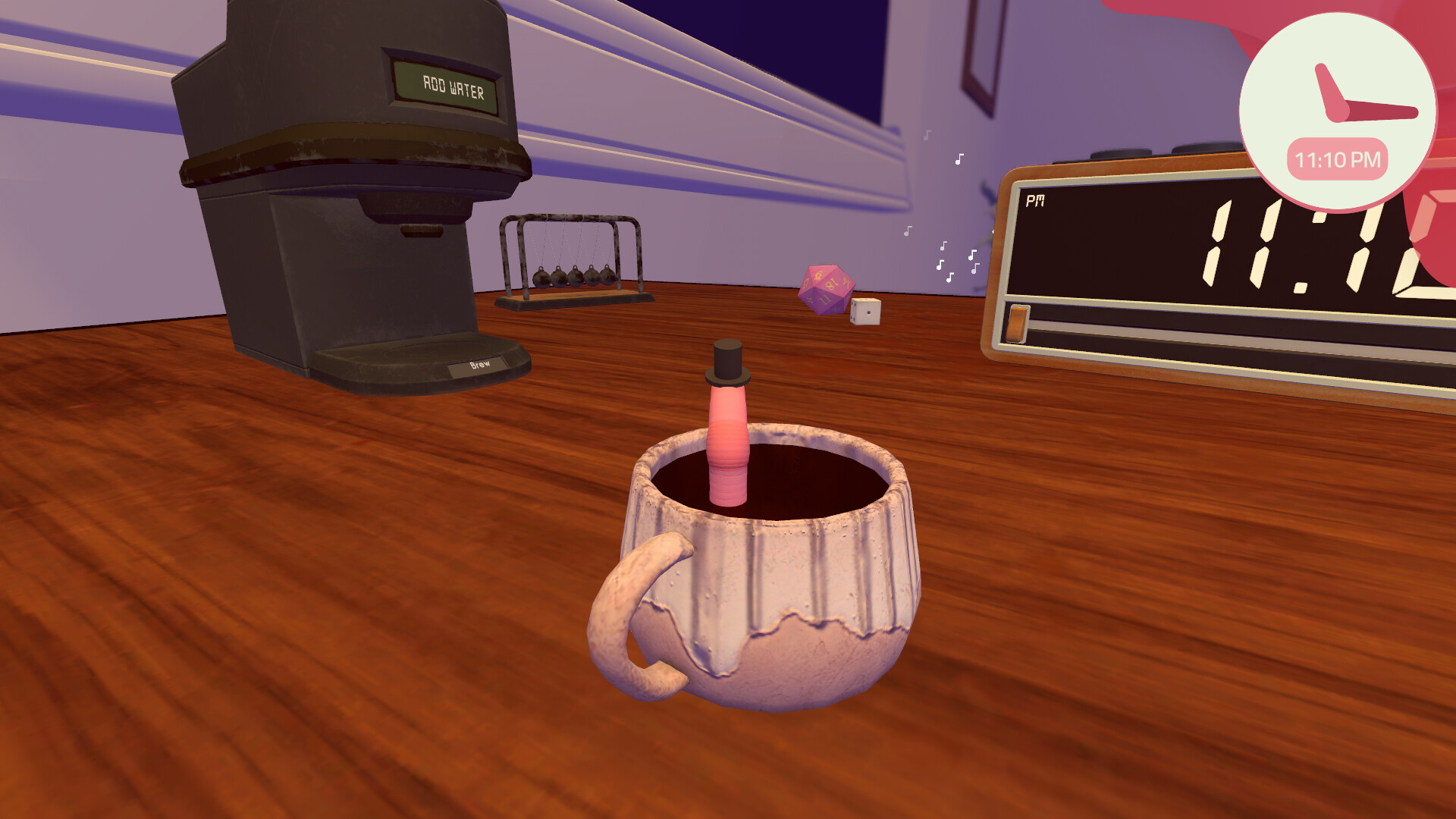
Buying an item is only the first step
After buying the Reading Nook, go to it and use the training activity. The opening demo then introduces skill levels and perk points. Buying the object alone does not complete a separate level-up objective.
If a perk tier needs a better training item, read the requirement in the tree before buying a more expensive object. See skills and perks for the early unlock sequence.
Before buying a work upgrade
Identify the action you repeat badly: moving the mouse, climbing the keyboard, or reaching another part of the desk. Choose an item whose description addresses that action.
A Slim Keyboard can help traversal, but it does not solve a wrong arithmetic answer. A new mouse does not automatically finish a message you have only selected and not typed.
Smartphone and hats
The updated demo includes a phone activity called Worm Time. The player buys a phone charger and then reaches a tutorial describing money and cosmetic rewards for activities that impress followers.
After a reward, check whether the cosmetic is actually being worn. The early hat-income perk depends on wearing a hat, not simply receiving one. This guide does not yet have a reliable sequence of menu actions for equipping every cosmetic, so follow the prompts in your version.
You do not need to know every hat to make the early purchase decision: protect required work and training money before spending on optional style.
The L-Desk and your cash balance
The original demo uses a large desk purchase as a progression goal. Its price and role need not match your full-game save. Read your objective and shop listing, then compare the price with cash rather than combined cash and stocks.
See selling shares for an upgrade if you have enough total value but too little cash.
The 1.0.4 update (October 2, 2026) — switching keyboards and mice
The 1.0.4 patch changed what peripheral purchases mean once you own more than one:
- You can now switch between different keyboards and mice from the Shop App — upgrades are loadout choices, not one-way spends.
- The patch also re-tuned several keyboard and mouse upgrades: the touch keyboard no longer registers multiple key presses, dice input is easier on the slim keyboard, and the wormgonomic mouse shape was adjusted slightly to make clicking easier.
- The printer gained a tray extension you can flip down, making it easier to get paper up to the scanner.
If the demo-era advice above reads as “commit carefully to one peripheral”, that caution applied to the demo. On the current full-game build, try the shop’s keyboard and mouse options once you can afford more than one.
Demo walkthrough: Reading Nook purchase, phone charger, and Worm Time.